On a computer? Open this page to try SpotLaunch yourself.
At home on your Mac
Made for today’s Mac.
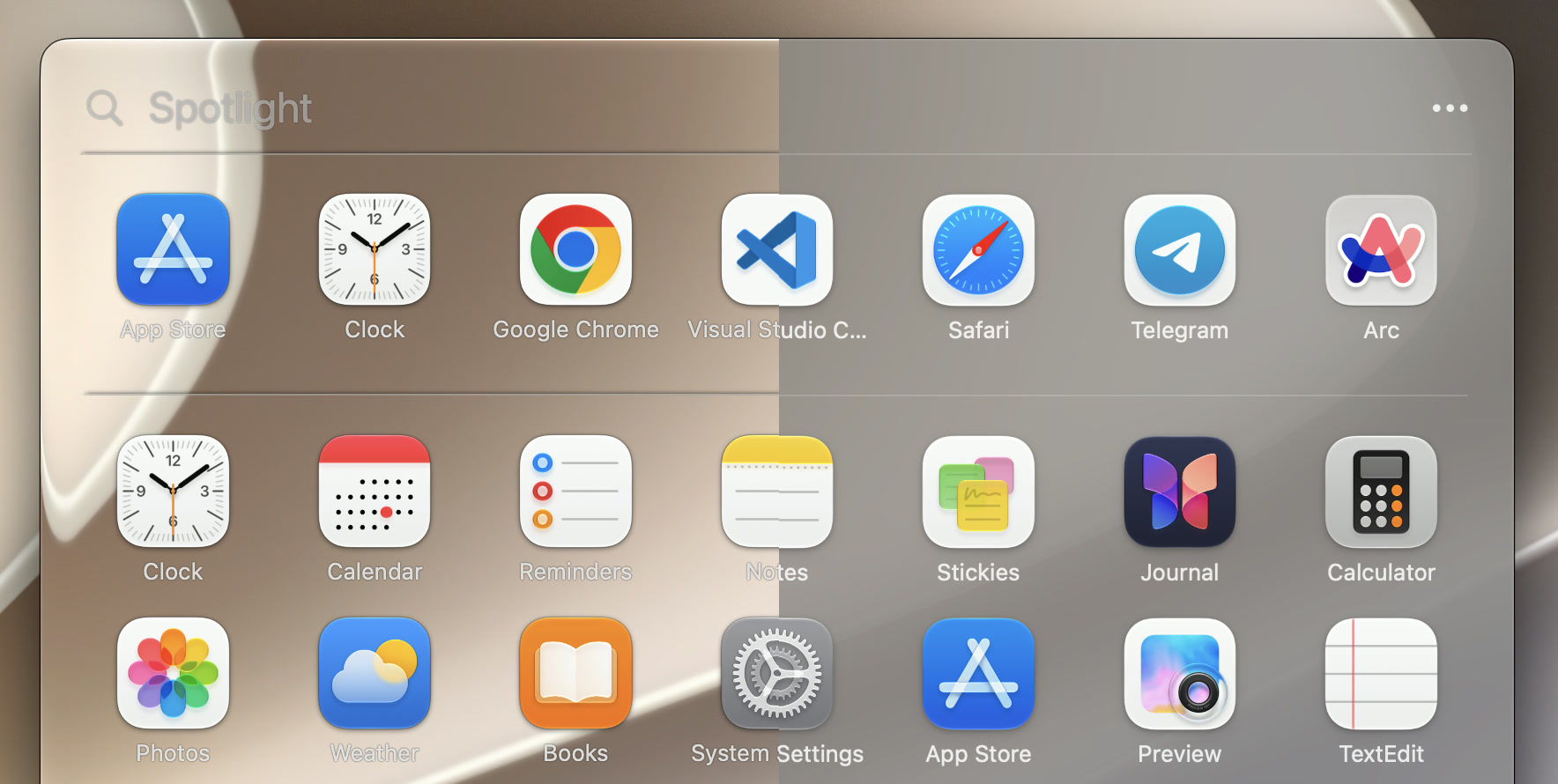
Give your launcher the look you love. Enjoy Liquid Glass on macOS 26 or later, or choose a softer look. Native Mac materials and smooth transitions make it feel familiar from the start.
Liquid GlassClassic look
Also works on macOS 15, with a frosted, translucent background.
Pages, sections & folders
Everything in its place.
You know where your tools belong. Keep your creative apps together, your work tools close, and your everyday favorites right where you want them.
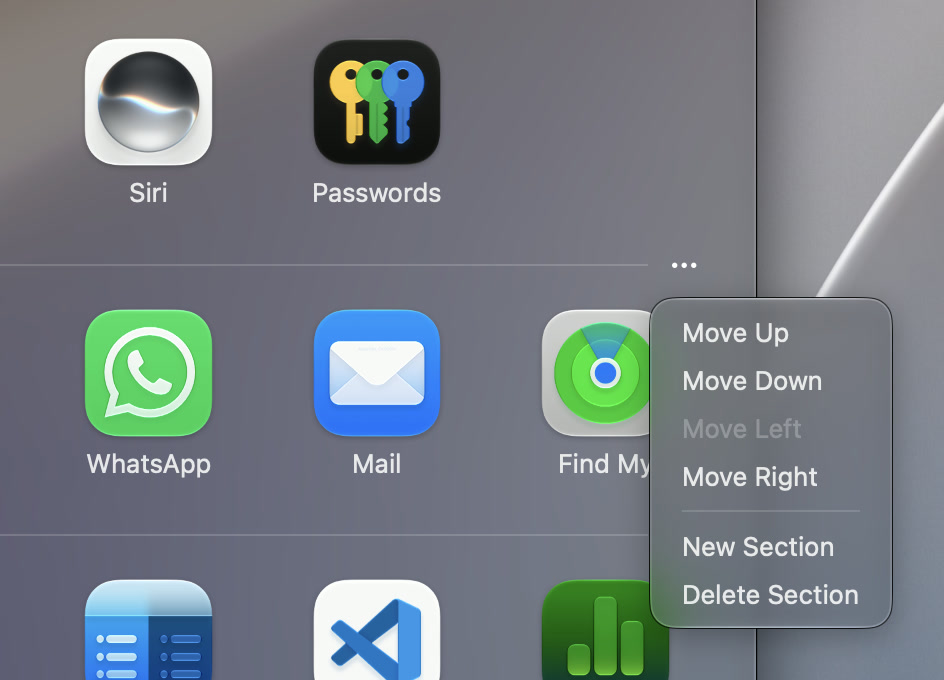
Mix apps and folders in each section. Add more sections and pages when you need them. Drag icons into place, change the order of your sections, or move a whole section to another page in one go.
Move the whole section together.
A little room. Or a little more.
A folder that fits.
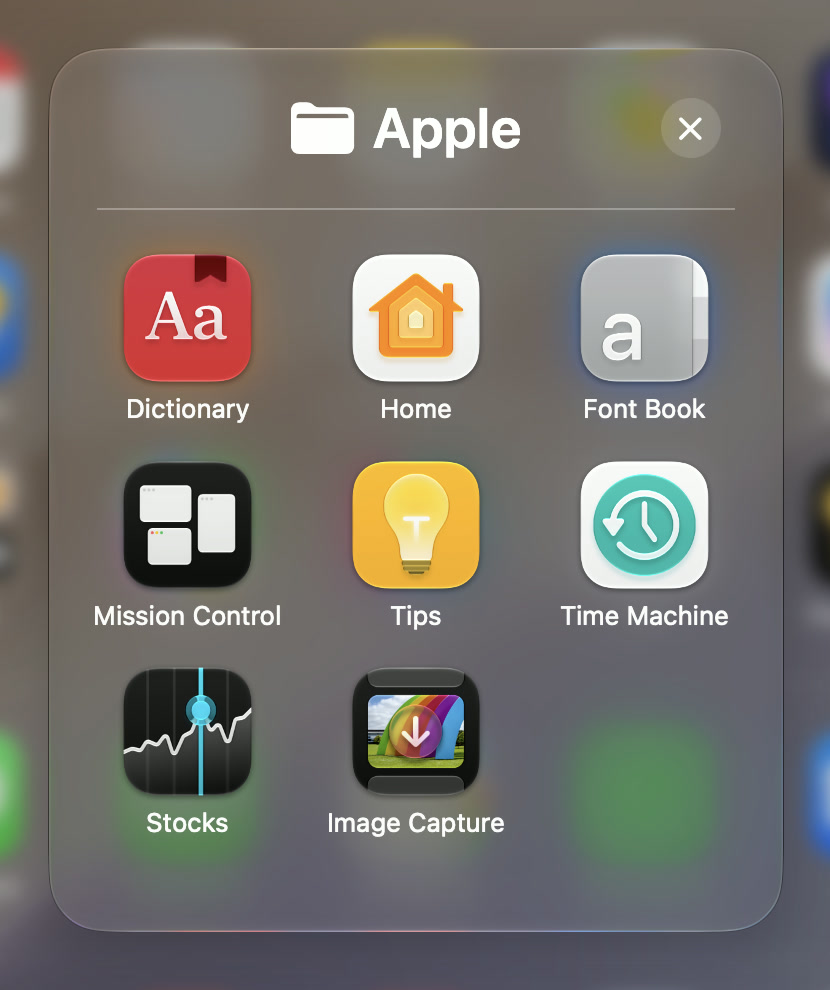
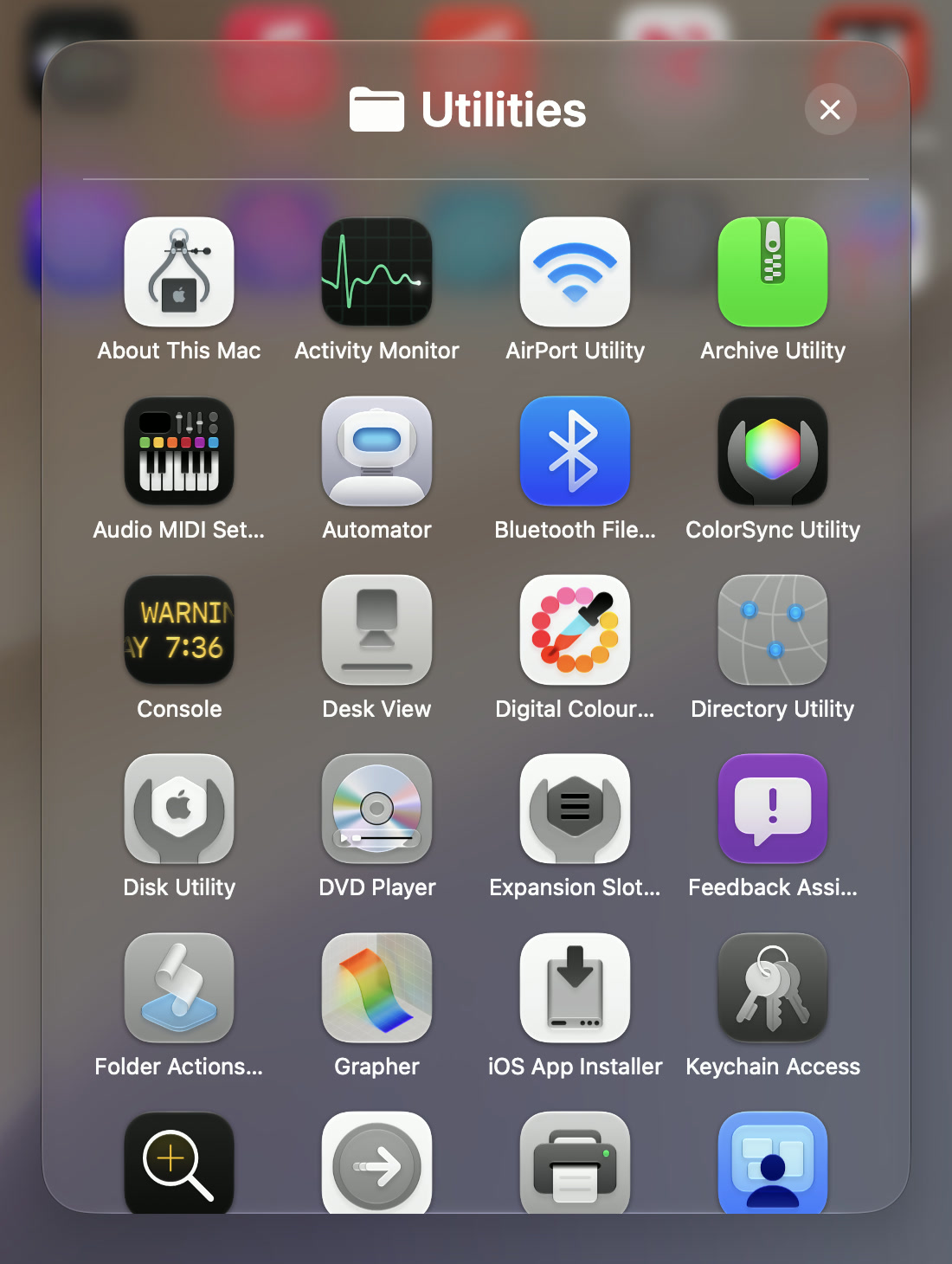
Keep a small folder for a few apps, and give bigger collections more room. Each folder remembers the size you choose.
Move apps into and out of folders. Hide an app — or a whole folder — when you don’t need it, and bring it back whenever you want.
Ungroup a folder and its apps return to the launcher. Remove a section and its icons stay.
The finishing touches
Make it beautiful. Make it fit.
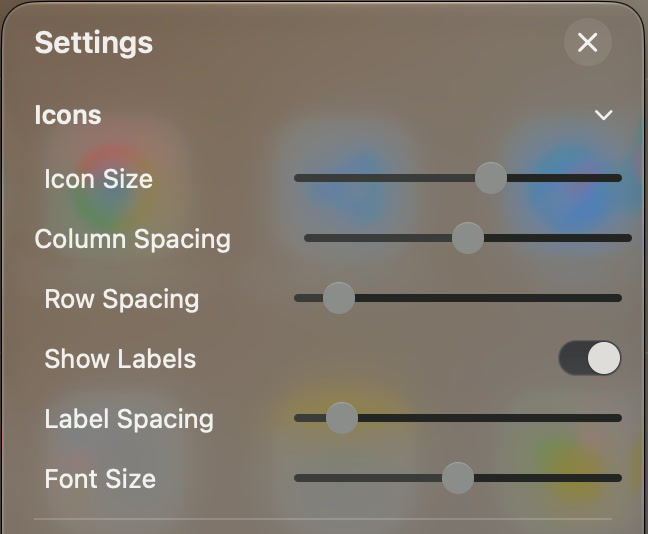
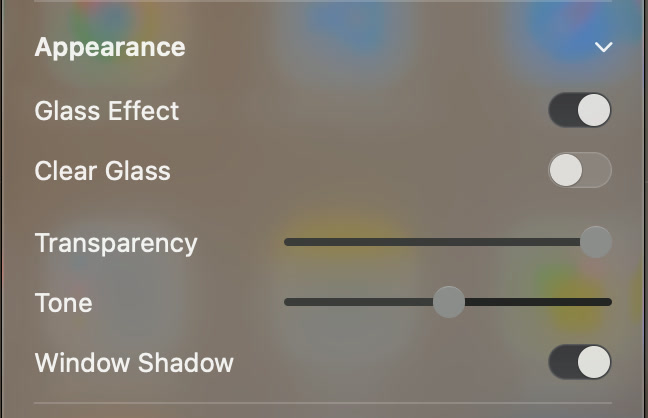
Choose the icon size and the space between icons. Adjust the labels, or hide them altogether. Make the background lighter or darker, set its transparency, and choose whether to show a window shadow.
Make the launcher compact or give it more room. Put it where it suits you. The icons adapt, and SpotLaunch remembers your window size and position for next time.
Icons & labelsLight, shade & transparency
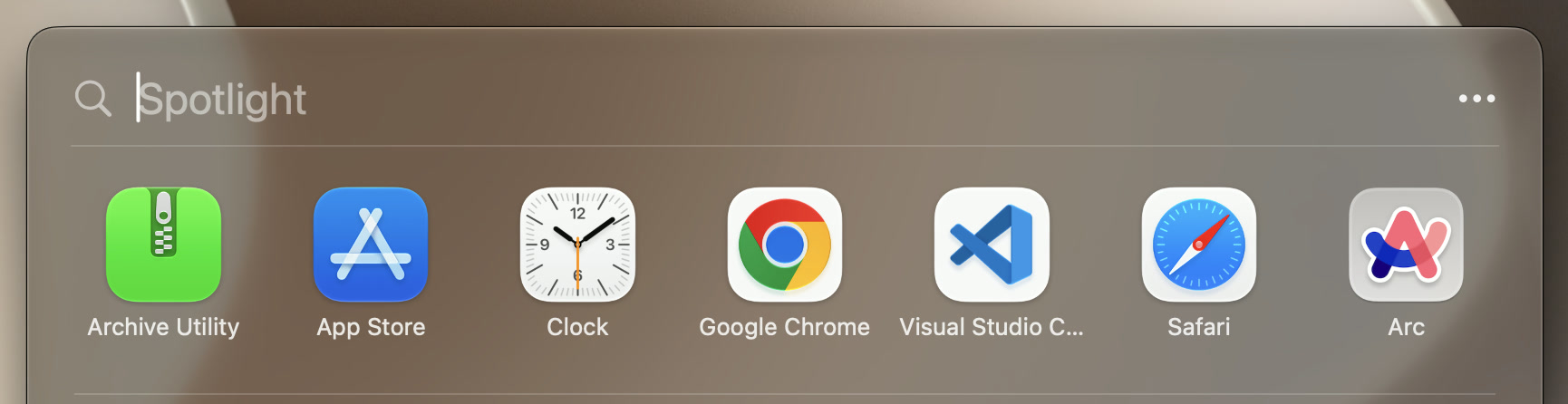
Search apps and files
Search where you choose.
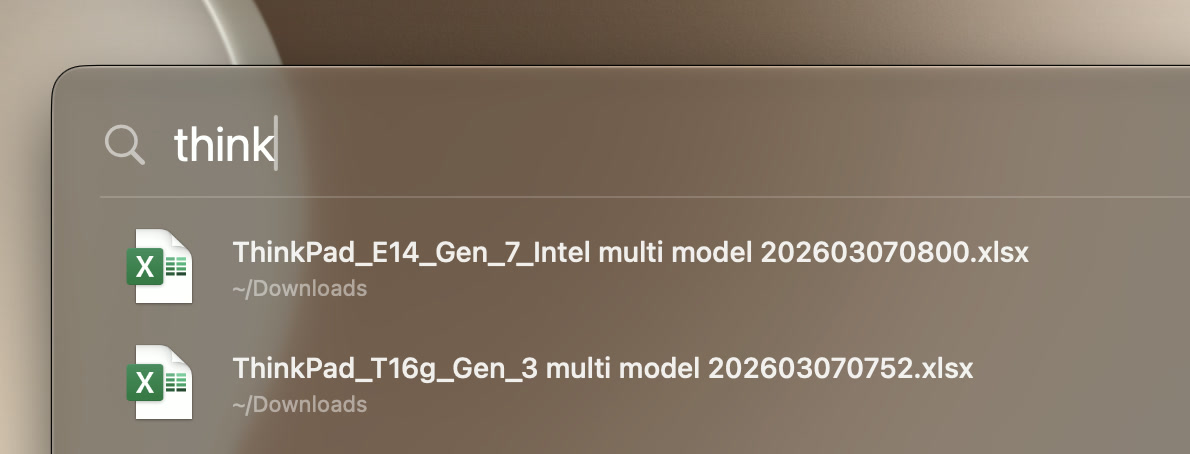
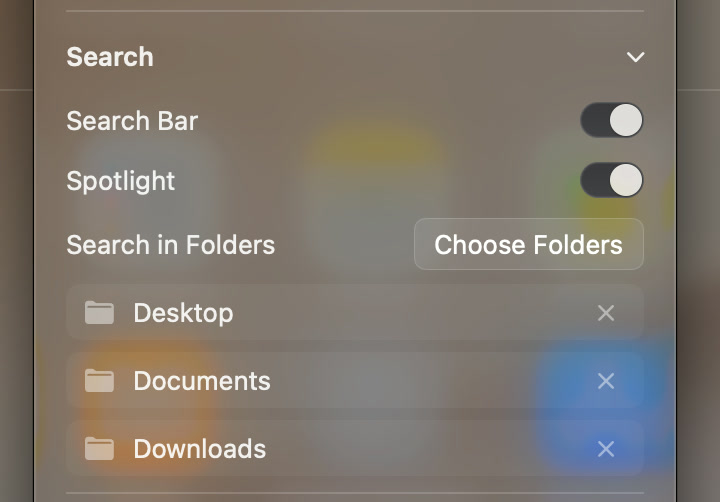
Type an app’s name and open it straight from the results. Want your files here too? Turn on Spotlight search and choose which folders to include.
Find a file by name or search indexed text inside a document. Open what you find right from SpotLaunch.
Find it. Open it.You choose where file search looks.
File search uses the Spotlight index and access to the folders you choose.
Ready when you are
Keep the everyday things close.
Show your recently opened apps at the top, ready for next time. Keep the row when it’s useful, and hide it whenever you prefer.
Bring your own apps.
Add shortcuts to applications that aren’t in the main list. Keep them alongside the rest of your tools.
Open it your way.
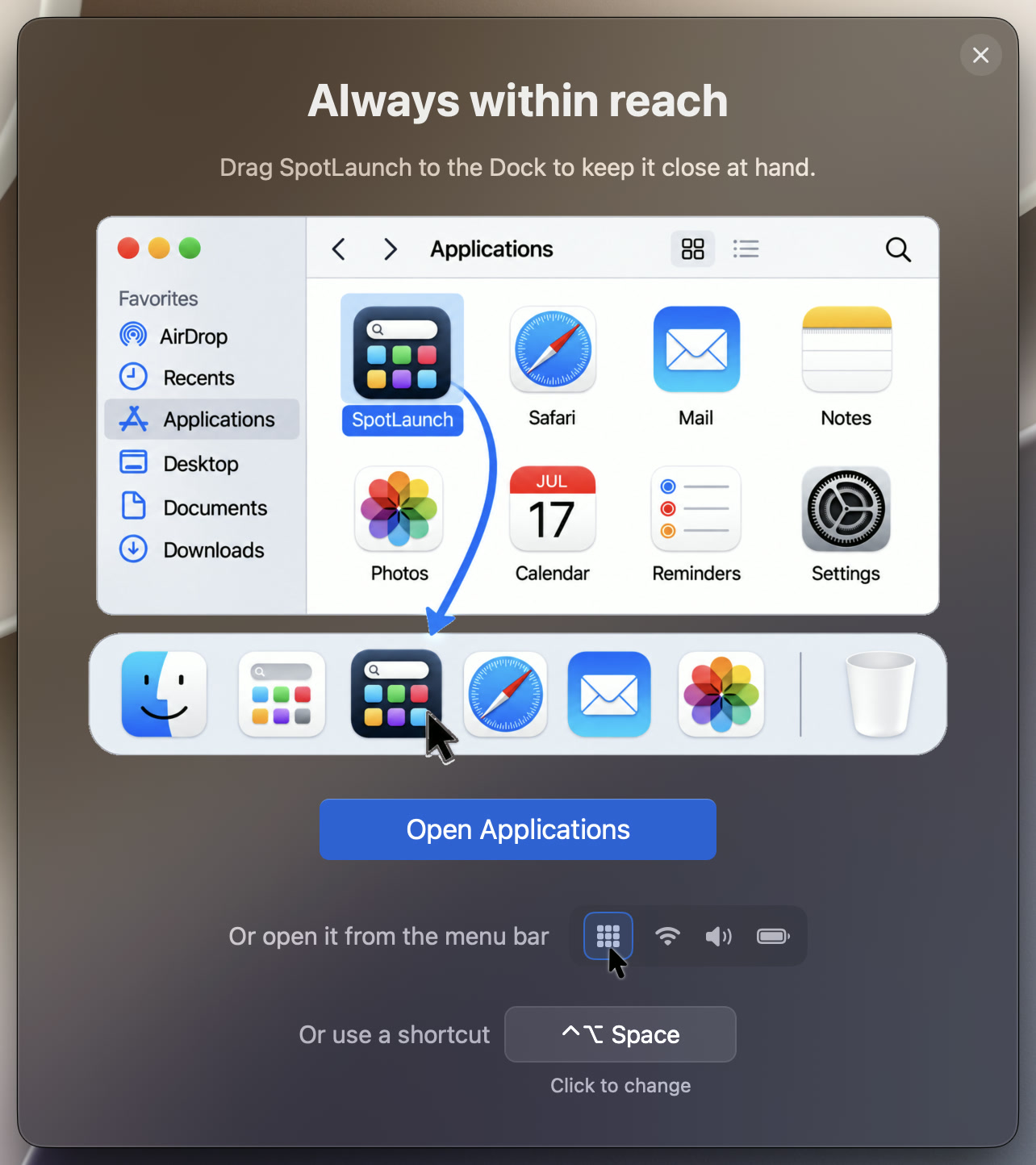
Keep SpotLaunch in your Dock, open it from the menu bar, or set a keyboard shortcut that feels right for you.
Thoughtfully made. Freely yours.
Made with love for the Mac.
SpotLaunch started with a simple wish: apps arranged our way, with a look we love. We’ve put care into the little details, from familiar gestures to smooth transitions.
Coming soon to the Mac App Store
macOS 15+ · Liquid Glass on macOS 26+
The Mac app is available in 8 languages.
No ads. No subscriptions. All features are yours. Support development with an optional one-time tip.
 SpotLaunch